Here's the strange part about an ADHD calendar: it can be completely empty and you can still feel like you're drowning. The calendar isn't lying to you. It's just not tracking the thing that's actually stressing you out.
That gap, between what's on the calendar and what's actually on your plate, is the real problem. Most calendar advice assumes the tool is broken. It usually isn't. The setup is.
This is a walkthrough of why normal calendars fall apart for ADHD brains, what an ADHD friendly calendar actually looks like, and how to set one up with tools you probably already have (Google Calendar or Apple Calendar), plus where a task manager like Doot fits next to it.
A calendar was built to hold one kind of thing: events with a fixed time. Meetings, appointments, flights. It was never built to hold the other kind of thing that fills an ADHD brain: tasks that need to happen sometime this week but don't have a slot. That mismatch causes three specific failures.
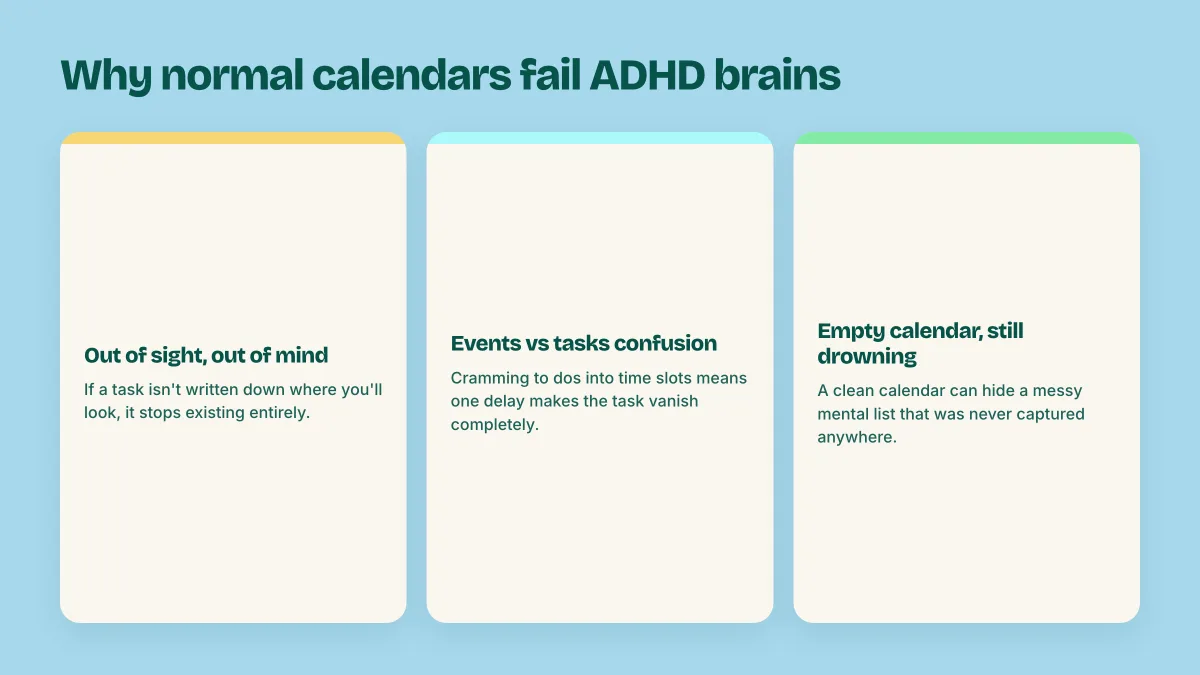
If a task isn't written down somewhere you'll actually look, it doesn't exist. This is true for everyone, but ADHD working memory drops things faster and with less warning. You don't forget "reply to the invoice email" because you don't care. You forget it because nothing brought it back into view at the moment you could act on it.
Most people try to force tasks into a calendar built for events. "Call the dentist" gets jammed into a 9am slot next to an actual meeting. Two things go wrong: if 9am gets busy, the call vanishes with no new home, and scrolling through a day full of fake appointments makes the calendar exhausting to even look at. Events have a time. Tasks have a due date, and that's a different kind of information.
Your calendar can look clean, empty afternoons, nothing scheduled, and you can still be one missed deadline away from a bad week. That's because the actual load, the messy list of "should probably do this soon" items, was never written into any system at all. It's floating in your head, which is the least reliable place to store anything with ADHD. An empty calendar isn't evidence you're on top of things. Sometimes it's evidence that nothing got captured.
An ADHD calendar system that works has three habits underneath it, and none of them require a special app.
One calendar, not five.If you're checking more than one place to know what's happening today, you will miss something. Consolidate into one calendar (most apps let you layer multiple calendars into a single view) so "what's happening today" is always one glance, not a scavenger hunt.
Visual time blocks over walls of text. A digital calendar for ADHD works best when you can see your day as shapes, not sentences. Color coded blocks for work, personal, health, and social time let you scan a day in two seconds and know roughly how full it is. Your brain reads color and space faster than it reads a list of times.
Tasks with dates, living next to events, not inside them. Keep actual appointments on the calendar. Keep tasks, the "get around to it" items, in a task list that carries its own due dates and shows up alongside your calendar, not squeezed into a fake time slot. You get the shape of your day from the calendar and the load of your day from the task list.
You don't need a new app to fix most of this. Here's the practical version, whether you're on Google Calendar or Apple Calendar.
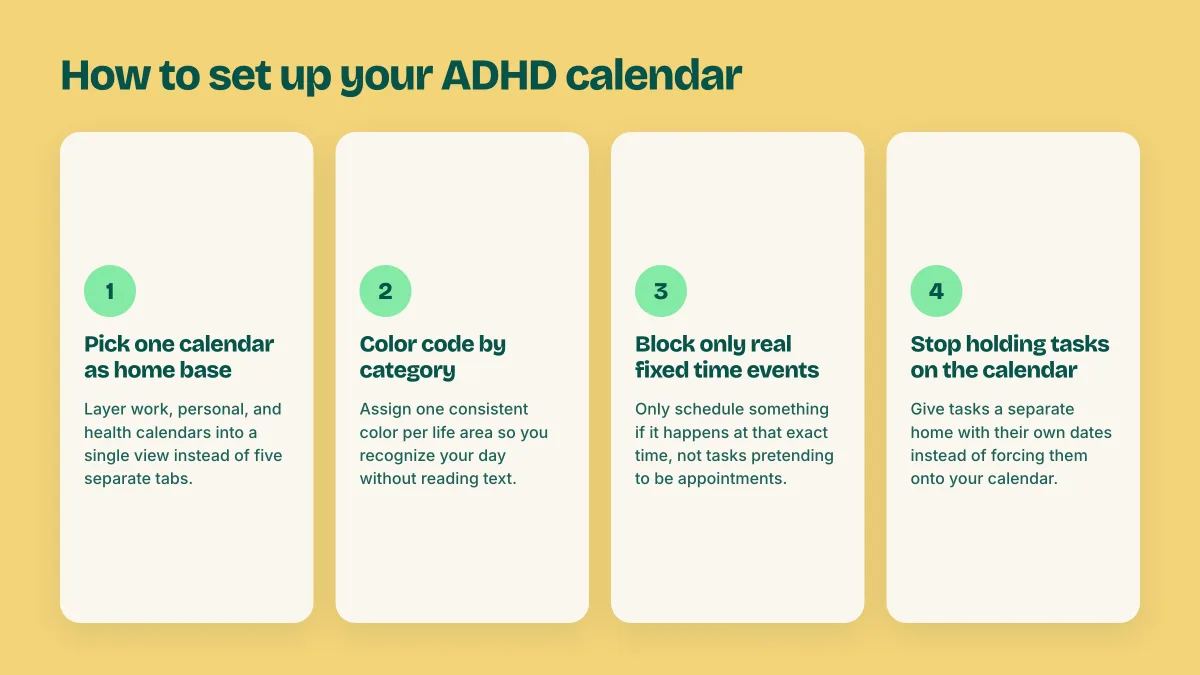
1. Pick one calendar as home base. If you use Google Calendar, create separate calendars (Work, Personal, Health) but view them layered together, not as five tabs you flip between. Apple Calendar works the same way with its calendar list in the sidebar.
2. Color code by category, not by mood. Assign one color per life area and keep it consistent. The point is pattern recognition at a glance: if Health is always green, you don't have to read the text to know Tuesday is a heavy health day.
3. Block real time for real things, and leave the rest alone. Only put something on the calendar if it happens at that specific time. Resist the urge to schedule cleaning the kitchen for 3pm just to make it feel official. That's a task, not an event.
4. Turn on a daily agenda view. Both Google Calendar and Apple Calendar have a view that shows just today (or today plus tomorrow). Make that your default screen. A month view is nearly useless for ADHD; it shows too much and highlights too little.
5. Stop trying to make the calendar hold your task list. This is the step most ADHD calendar setups skip, and the one that matters most. Your calendar should show commitments. Your tasks need a separate home that keeps its own dates and doesn't need a time slot to exist.
That last step is where most calendar advice quietly gives up, because it assumes you'll build a second system yourself and actually maintain it.
To be clear about what Doot is: it's a task manager, not a calendar app. It doesn't have a calendar grid, it won't show you a month view, and it isn't trying to replace Google Calendar or Apple Calendar. What it does is solve the exact gap the last section pointed at: a place for your tasks to live with real dates, so your calendar stops getting crammed with things that were never appointments in the first place.
You brain dump your list the way it actually sits in your head: "call the dentist this week, finish the deck by thursday, pick up the dry cleaning, mom's birthday gift by the 24th." Doot reads that and hands back real tasks, each with its own date in plain English (no date picker, no dropdown), sorted by priority automatically. You keep your calendar for what it's good at, actual appointments, and Doot becomes the layer underneath it that holds everything else with a due date attached.
That's the ADHD calendar system in practice: calendar for time, Doot for tasks. Nothing gets squeezed into a slot it doesn't belong in, and nothing gets lost because it had nowhere to live.
Let it handle appointments. Let Doot handle everything else, with dates, priorities, and no setup tax.
Try it free on the webarrow_forward