You built the dashboard, it was beautiful, and you have not opened it since the second week of last month. Notion for ADHD is a deliberately small setup in a tool that will let you build anything: one inbox, one task database, one view of today. It works when it is small enough to run on a bad day, which is almost the opposite of how most people build it.
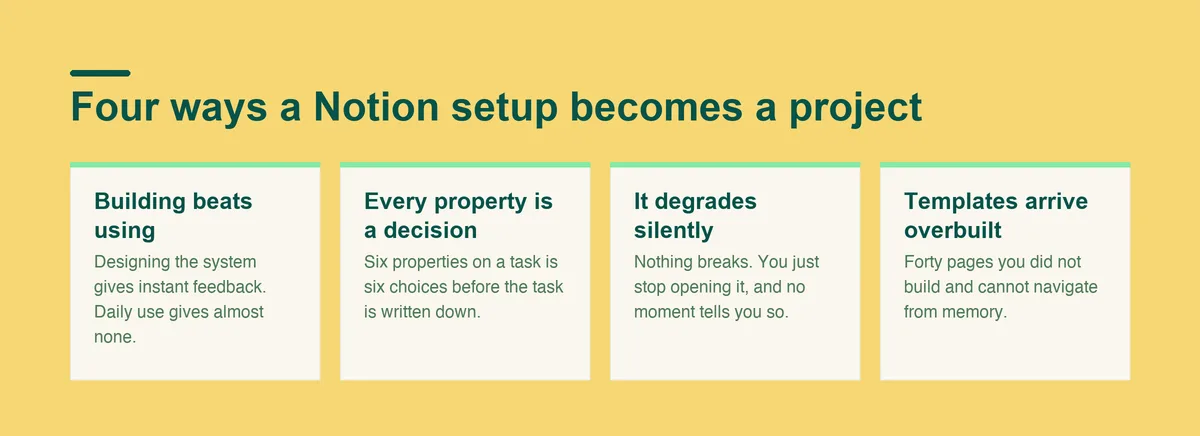
Notion is a blank tool that will build anything you describe, and that flexibility is the exact thing that turns it into a project instead of a system.
Every database you add asks for a decision every time you use it. Which property, which view, which page does this belong under. Inattention in ADHD covers difficulty keeping on task and staying organized, so a tool that asks those three questions at the point of capture is asking for the thing that is hardest to supply.
Poor time management, planning and organization are named as adult ADHD symptoms, not as skills you failed to acquire. Any Notion setup that needs those three working reliably before it pays off has the dependency backwards.
A setup that survives is smaller than you want it to be. One inbox, one task database, one view of today, and nothing else on the first screen.
The test is a bad Tuesday. If capturing a task takes more than five seconds, or if finding what to do next takes more than one click, the setup will be abandoned in the first difficult week, and difficult weeks are the ones it exists for.
A working ADHD notion setup usually has four things on the home page and nothing else:
Most working ADHD notion setups look almost unfinished next to the ones people share online. That is not a compromise. The screenshots that get shared are optimised for looking impressive, and yours has to be optimised for being opened.
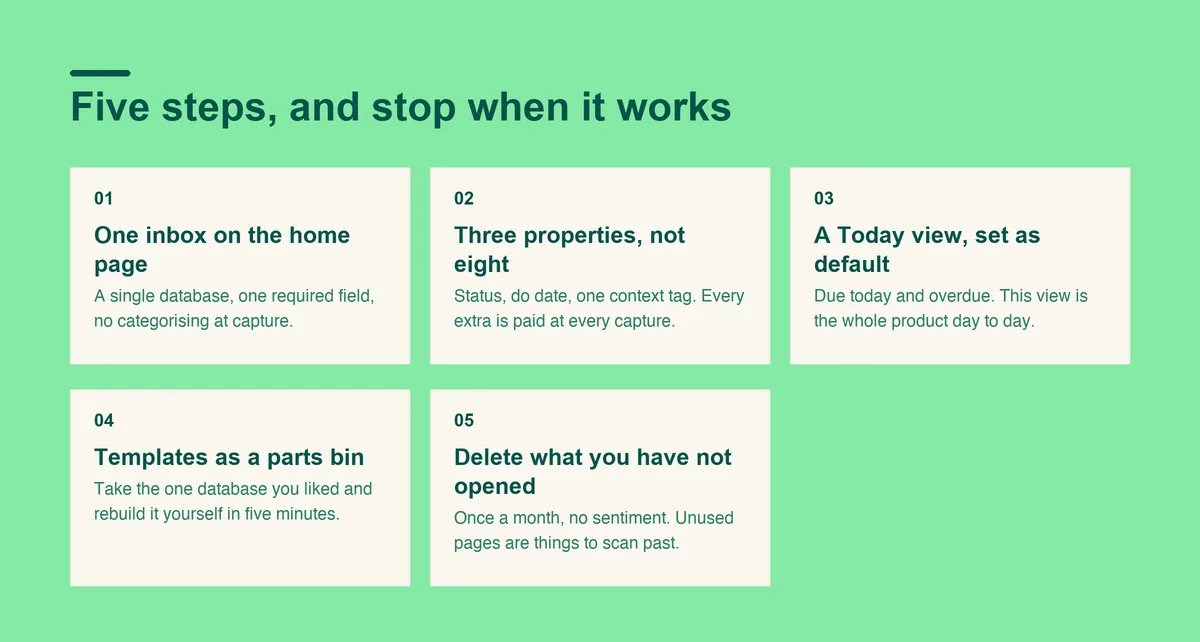
Build in this order and stop when the thing works. Adding more later is easy, and removing what you have built rarely happens.
A single database with one required field, which is the task name. Everything lands here first: the thing from the meeting, the message from your sister, the idea in the shower.
No categorising at capture. The entire point is that adding something costs nothing, so the tool stays worth reaching for when you are busy.
Status, do date, and one context tag. That is enough to filter a day, and every property beyond it is a decision you will pay for at every capture.
If you find yourself wanting a fourth, wait two weeks. Most wanted properties turn out to be things you never filtered by.
Filter to items due today or overdue, sorted however you like. This view is the whole product as far as your daily use is concerned.
Everything else, the project pages, the archive, the someday list, goes below the fold or on a separate page. What is visible is what gets used.
A notion adhd template is useful for seeing how someone else structured a database. It is much less useful installed whole, because you inherit forty pages of someone else's logic and none of the memory of building it.
Take the one database you liked, rebuild it yourself in five minutes, and leave the rest.
Run this once a month, without sentiment. An unused page is not neutral, it is one more thing to scan past on the way to the thing you actually need.
Notion is free for one person, listed at $0 per member a month, so nothing about deleting pages costs you anything except the hour you spent making them.
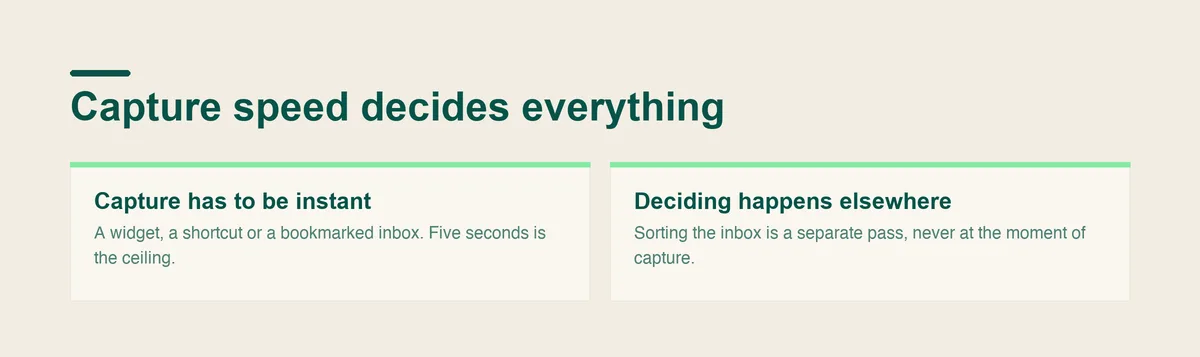
Capture speed decides everything. A setup you have to think about before adding something is a setup that stops collecting, and a task system that stops collecting is just a historical document.
The split between capturing and deciding is where a lot of people quietly give up on Notion, because a blank database asks you to name, categorise and place a thing at the exact moment you are trying to get it out of your head. Doot exists for that half of the problem: you dump the whole mess in plain English, and it comes back as separate tasks with dates, so the sorting is done before you look at it.
Both can coexist. Plenty of people keep Notion for reference and projects, and keep the daily task list somewhere that asks them nothing at capture time.
Notion is the wrong tool if you need the system to do the deciding. Notion is a place to put structure you have already designed, and it will faithfully reflect a design that does not work for you.
Notion is also the wrong tool if maintenance is where you fail. Notion's Plus plan is listed at $10 per seat a month, and the paid tier does nothing about upkeep, so paying more will not fix an abandonment problem.
ADHD symptoms interfere with daily functioning across work, home and relationships, and when the difficulty is that wide, no arrangement of databases addresses it. It is never too late to seek a diagnosis, and that is a different conversation from which app you use.
Prices checked September 2026.
If capture is where yours keeps breaking, open Doot and let the dump and the sorting happen before anything reaches a database.
Try it free on the webarrow_forward