
You've rewritten the same three tasks at the top of your list for a week straight. Today isn't the day you get to them either, and you already suspect tomorrow won't be. A to do list for ADHD is a list built to survive the days when starting is the hard part, and most of the lists people carry around were built for something else entirely.
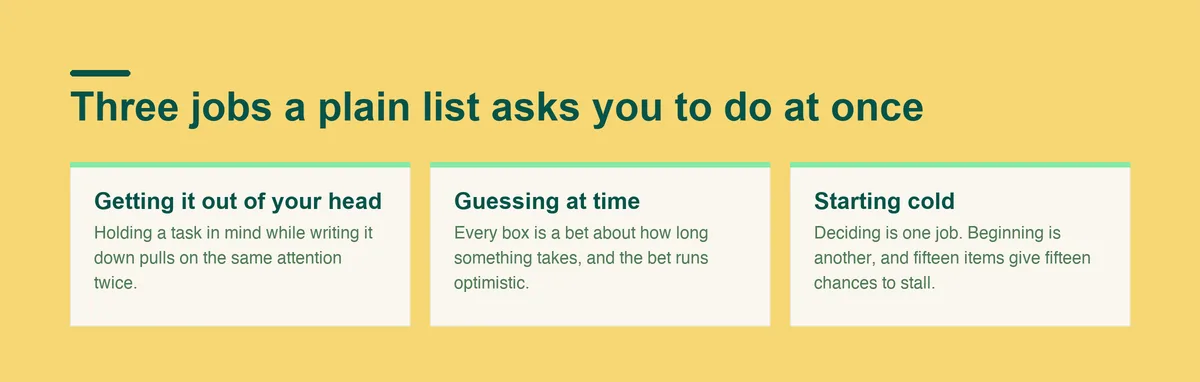
Most to-do lists for ADHD fail for a plain reason: they were designed for a brain that can hold a plan in mind while doing something else. ADHD attention doesn't split that way.
The moment focus lands on one task, the rest of the list drops out of view. Whatever wasn't already moving gets quietly renegotiated for later.
Pushed tasks rarely shrink on the second try. An item postponed once tends to get postponed again, because nothing about the list itself changed between attempts. It's still the same wall of text, asking for the same three decisions it asked for yesterday: what to do, when to do it, and where to even start.
Most productivity advice focuses on prioritizing and sorting, the first job. An ADHD to do list that ignores the second job, actually beginning, is just a longer way to fail at the same task every day. A few signs a list has drifted into that trap:
Picture the version of this you already have.
None of these are careless systems. Each one worked for a week or two, long enough to make the eventual collapse feel personal instead of structural. None of them were built for the part where motivation runs out, so the list just sits there, unchanged, daring you to open it again.
A to do list for ADHD adults usually carries an extra layer on top of this: a job that depends on the list working, other people relying on you to follow through, and less patience left over by evening for a system that needs constant tending.
By the time you're choosing your fourth app in a year, the problem stopped being which app. It started being what every one of them assumed about how you work.
If any of this sounds familiar, you're describing a mismatch between the list and how your attention actually works. The rest of this guide closes that gap, step by step, instead of pointing you toward a list with nicer fonts.
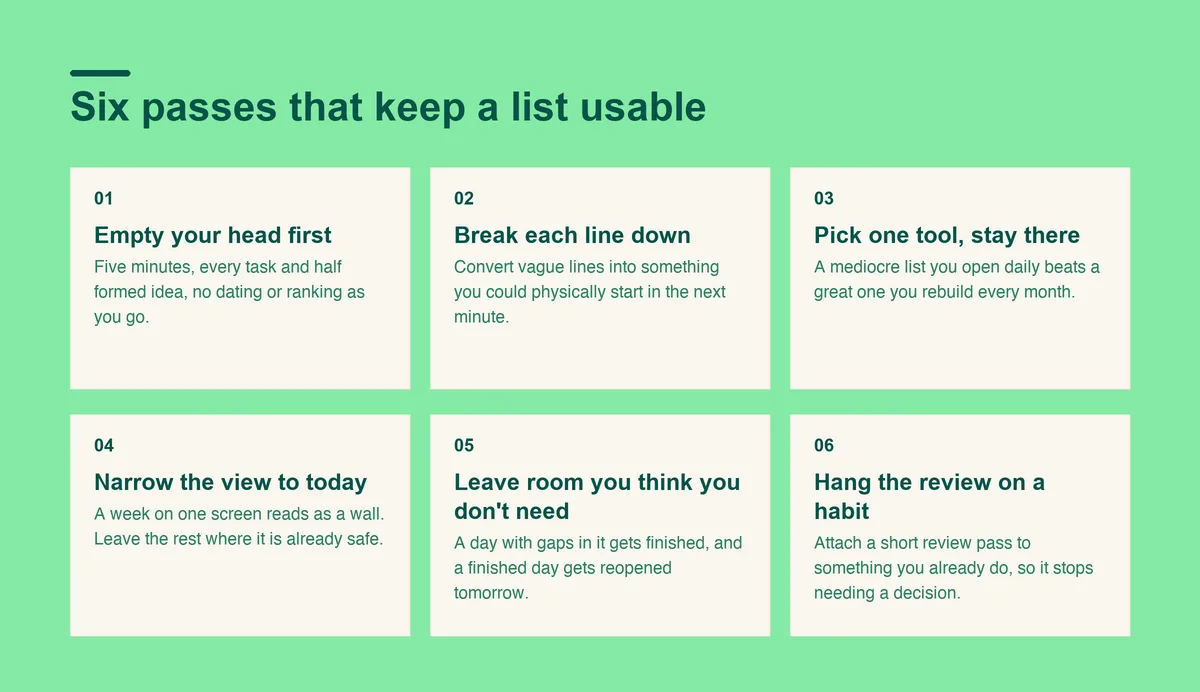
The order below matters more than any single tool. Capture first, sort second, and keep the view small enough that opening the list doesn't feel like a task of its own.
Set a timer for five or ten minutes and write down every task, worry, and half-formed idea in one place, in whatever order it arrives. Don't date it, rank it, or clean up the wording while you go.
Capturing everything first fixes more than people expect. A list that only exists in your head competes for the same attention as everything else you're trying to do, and trying to plan and remember at the same time is exactly the split ADHD attention struggles with.
Resist the urge to organize as you write. A brain dump done well looks messy: half sentences, a task next to a worry next to something you should probably just text someone about. Sorting comes after, in its own pass, so this first pass can stay fast.
Go back through what you wrote and convert each vague line into something you could physically start in the next minute. A proper task breakdown for ADHD isn't about being thorough. It's about removing the decision of where to begin, because that decision is often the actual blocker.
Anything that isn't really a task, a worry or a stray idea, can move to a separate note so it stops cluttering the ADHD task list you're building.
Sorting takes longer than the quick capture in step one, and that's fine. A list full of items nobody can start is not actually shorter than a list full of items nobody wrote down.
The tool matters less than sticking with it long enough to learn its shape. Switching tools every few weeks resets the one thing that actually makes a system work: the habit of checking it without being reminded. A mediocre list you open every day beats a great one you rebuild every month. Three options cover most people:
If you want to see how a mainstream app holds up for ADHD specifically, the breakdown of Todoist and ADHD covers that in more depth. If the appeal is a ready-made layout rather than building your own, Doot's to-do list template for ADHD gives you that structure already made.
A view of the whole week turns a list into a wall. Pick what today can realistically hold and leave everything else where it's already safe, on the fuller list, until tomorrow's pass through it.
A week-long view invites a subtler trap too: planning Friday's tasks on Monday, before you know how Monday actually went. That's a guess dressed up as a plan.
Plan less than the day seems to fit. A day with room in it gets finished, and a finished day is what gets you to open the list again tomorrow. The gaps you leave absorb the usual surprises:
A day planned to the edge fails at the first one of these, and a single failure is often enough to close the list for good that week.
Attach a short review to an existing habit:
Move what didn't happen, cross off what did, and pick tomorrow's first item before you close it.
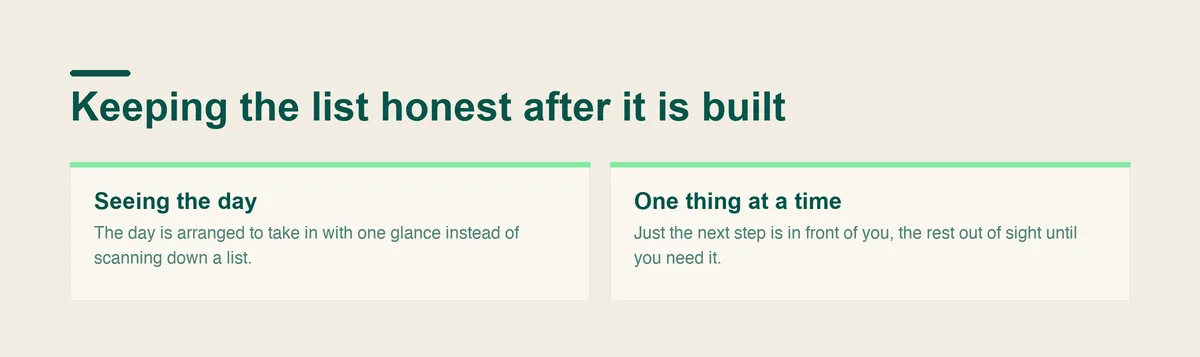
Most systems stop at building the list. The step people skip is keeping it honest through the day: re-checking what's next as plans shift, and taking in the shape of the day at a glance instead of rereading the whole thing every time you look up.
Doot is built around exactly that gap. It describes itself plainly: the AI daily planner for messy minds. Brain dump in plain English and get back a day you can actually look at.
If you're staying on paper or in a plain app, you can still get most of this by giving the review pass in step 6 its own dedicated moment, separate from the capture in step 1.
Doing both in one sitting is where most systems quietly fall apart. Capturing wants speed and sorting wants judgment, and asking for both at once slows down the part that should be fast.
A to-do list, however well built, helps when the trouble is organizing what you already intend to do. It can't shrink a schedule that genuinely has more on it than the hours allow. If every list fails because there's more work than time, the honest fix is dropping commitments, not arranging them more cleverly.
A list also won't reach sleep, low mood, or stress heavy enough to make everything feel impossible on its own.
Sometimes the task was never the hard part to capture, and it's the follow-through that consistently doesn't happen no matter which system you try. That's worth naming as its own problem rather than blaming the next planner or app you pick up.
And if trouble with planning is new, getting worse, or affecting your work or your relationships, talk to a doctor. A to-do list can sit alongside that conversation. It isn't a stand-in for it.
Open Doot, put the whole week down in whatever order it arrives, and get back a day you can actually work through.
Try it free on the webarrow_forward